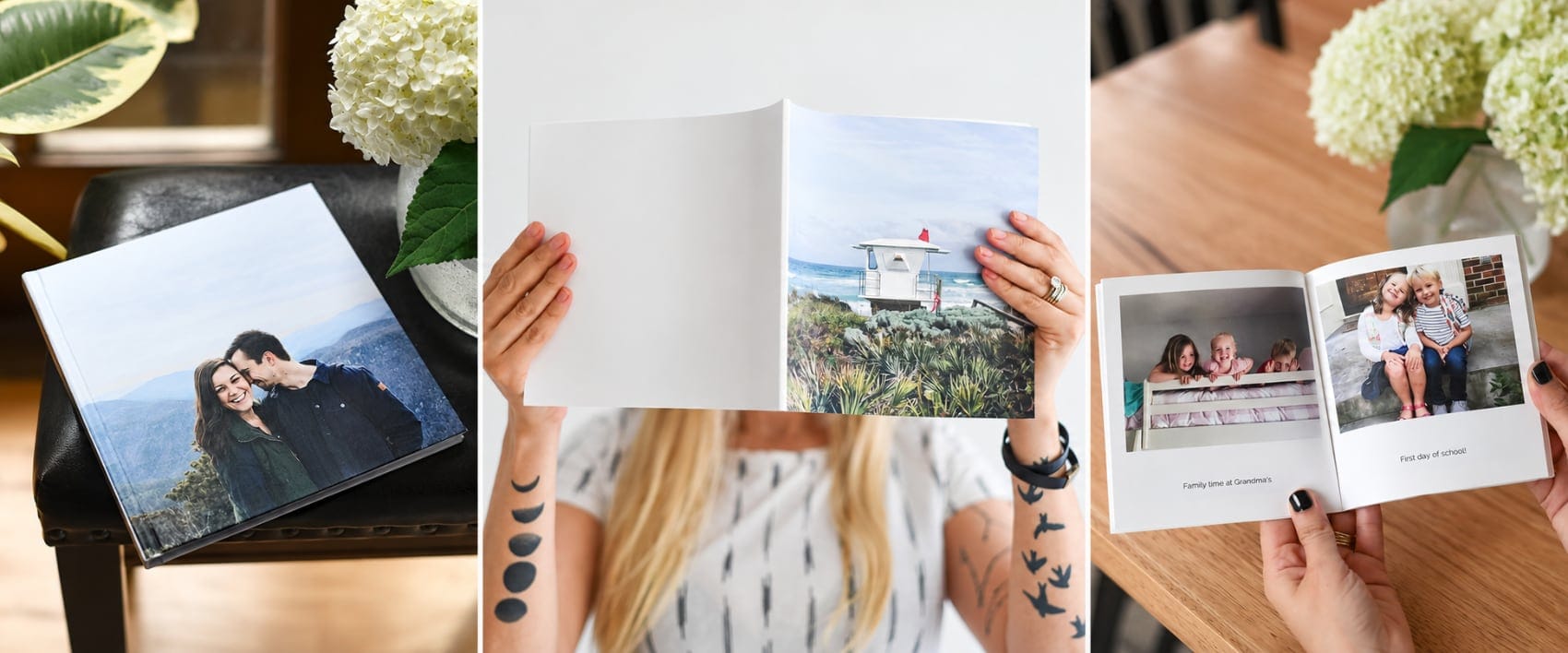
Give your favorite photos room to shine. Explore layout ideas, ways to pair pages, and small details that make your photo book feel polished.
Explore the photo book layout guide →
Making a photo book shouldn’t become another project you never finish. Your photos are already on your phone. With Parabo’s iPhone app, you can choose them right from your Camera Roll and turn them into a simple, beautiful book. Prefer your computer? You can create on the web, too.
A photo book library can start with the pictures you’ve been meaning to print: a trip, a birthday, or a few months of everyday life. Make one book now and add another when you have more photos you want to keep close.
Make a photo book on your iPhone or explore photo books on the web.
Start with the photos already on your phone
Getting your photos together can feel like the biggest part of making a book. You remember the ones you love, but they’re somewhere between screenshots, receipts, and all those nearly identical photos of your dog.
The Parabo Press iPhone app lets you pick photos directly from your Camera Roll for a Softcover or Hardcover book. You can choose them where they already live, without first moving them to your computer.
Start with one occasion or a set of favorites you already know you want in print. A photo book doesn’t need to account for every picture you took. The beach afternoon, the birthday candles, and a few blurry-but-beloved moments can tell the story you want to remember.
Our Softcover and Hardcover books include 26 photos and hold up to 100. That gives you a manageable starting point and room for the extras you really want to keep.
Keep the book as simple as the idea
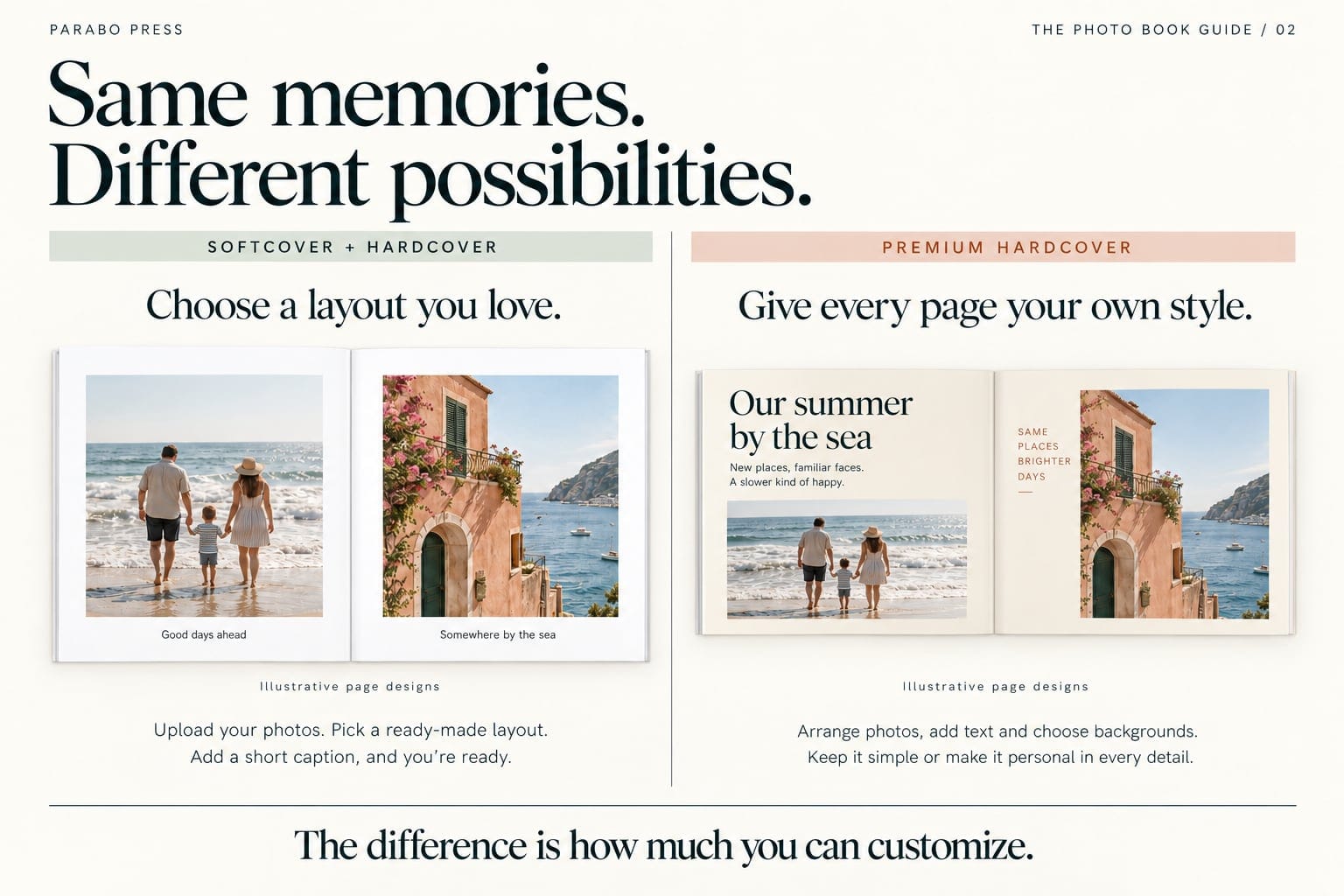
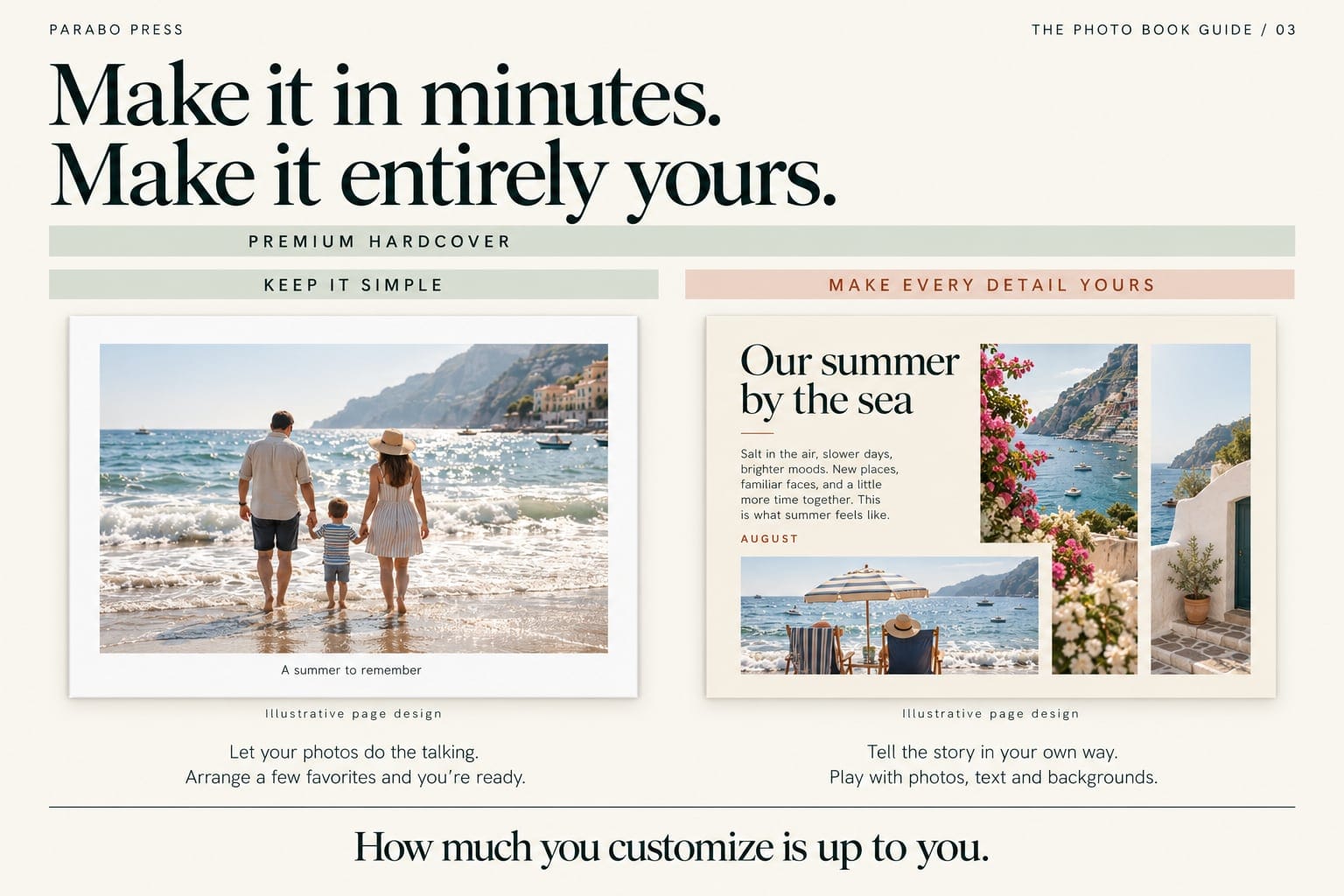
Your photos can do most of the storytelling. Our Softcover and Hardcover books have layout options and space for short captions, so you can add a place, a date, or a few words without writing an essay for every page.
Choose a cover you like and let the pictures carry the rest. A weekend away can be a book of favorite snapshots. A gift for a grandparent can be the family photos you wish they could have been there for. You don’t need to turn either into a weeks-long design project.
If you’re comparing photo book companies, think about how much designing you actually want to do. A simple format can be exactly what helps you finish.
Create your book on the web
If your photos are on your computer, you can create your book on our website. Choose your format, then log in or create an account to enter the editor. You can work with your photos on a bigger screen and choose the layouts that suit them.
For a Premium Hardcover book, we recommend using a computer or tablet. Its QR-code upload feature lets you bring in photos from your phone, so you can keep them there while working on your pages on a larger screen.
Explore photo books on the web
Three styles to keep the choice simple
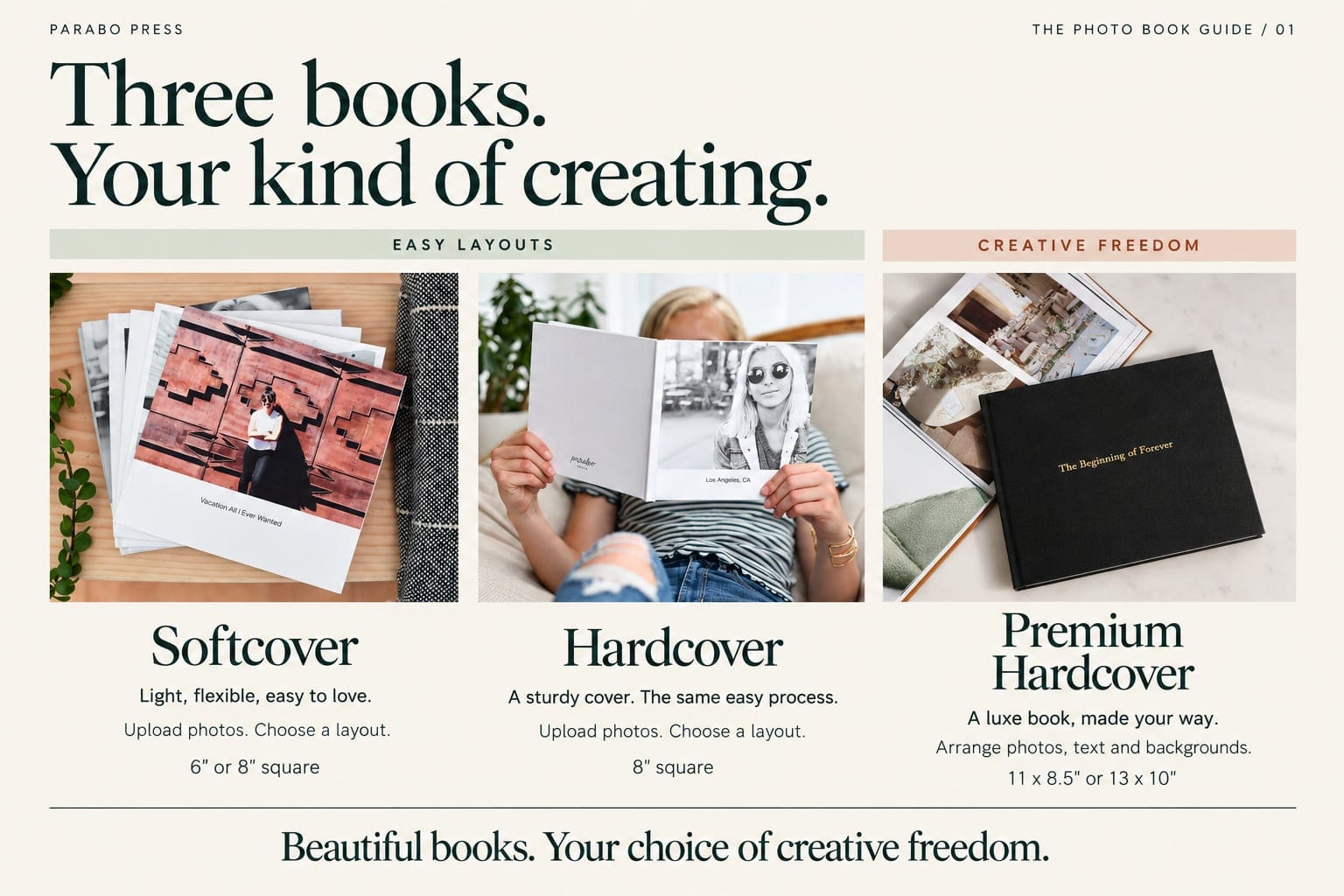
Softcover for everyday favorites
A flexible cover and matte pages make this a lovely choice for a trip, a pet, or a little gift. Choose 6 × 6 inches from $15 or 8 × 8 inches from $20. Make a Softcover Photo Book.
Hardcover for a keepsake or gift
Our 8 × 8-inch Hardcover starts at $32 and pairs matte pages with a sturdy hardcover binding. It’s a good fit for an anniversary or a book of family moments to open together. Make a Hardcover Photo Book.
Premium Hardcover for a bigger story
Starting at $45, Premium offers larger formats, more control over photos and text, and photo or vegan leather cover options. It includes 20 pages, with room for up to 350. Explore Premium Hardcover Books.
Starting prices are in USD. Extra pages, selected options, shipping, and applicable tax affect your final total. For gifts, check our current shipping information and allow time for production and delivery.
One finished book is a good beginning
Start with the photos you want to see in print right now. A little collection can grow from there, with each book giving you something familiar to pick up, share, and flip through again.